


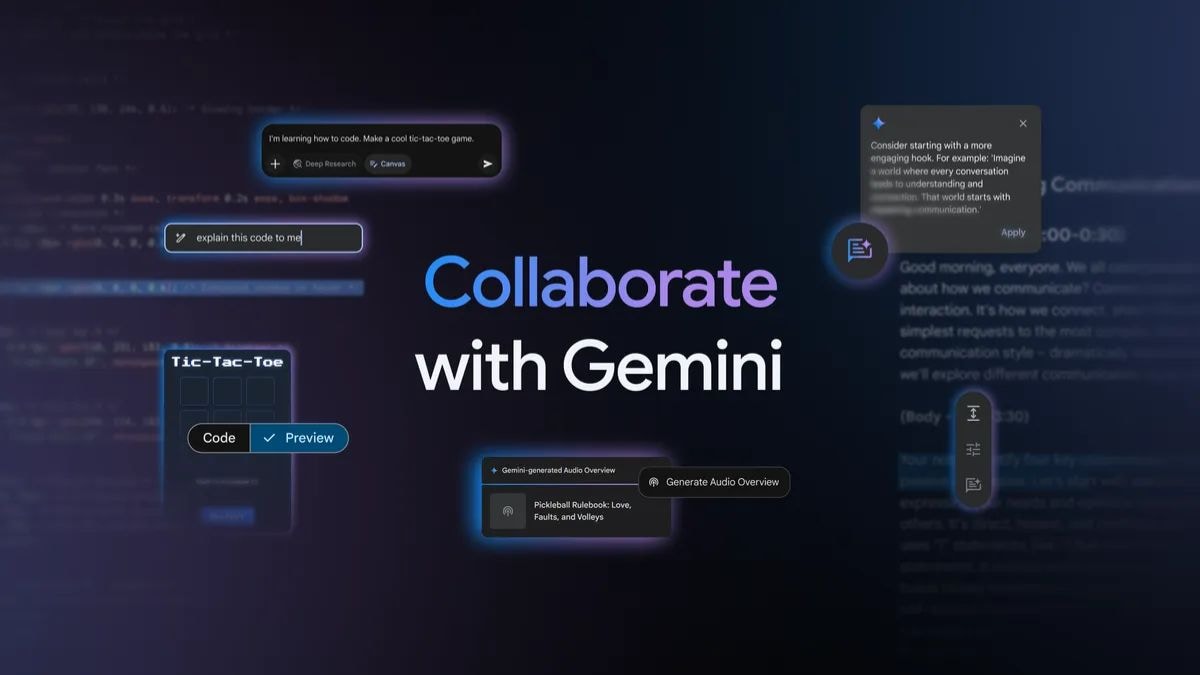
Gemini is getting two new artificial intelligence (AI) features, Google announced on Tuesday. The Mountain View-based tech giant is adding Canvas, an interactive space that lets human users and AI collaborate on projects involving documents and coding-related tasks. Another feature making its way to Gemini is Audio Overview, which was previously exclusive to NotebookLM, and lets users generate an engaging podcast-like audio discussion based on documents, slides, and Deep Research reports. These features are currently being rolled out globally to both Gemini Advanced subscribers and those on the free tier.
Google Brings Two New AI Features to Gemini
In a blog post, the tech giant announced the two new features that are being added to Gemini. This follows the Deep Research feature that can generate a detailed report on complex topics, and the iOS-exclusive lockscreen widgets. The new features — Canvas and Audio Overview — will be available on both Gemini on web and mobile apps.
Canvas is a new interactive space on Gemini, which is aimed at letting users collaborate with the AI over certain projects. Users can now see a new Canvas button next to Deep Research in the text box on Gemini’s interface. Selecting the feature and adding a document or lines of code will now open a sandbox where the AI creates a first draft based on the user’s prompt, and then the user can take over to make edits and further refine the output with the help of the chatbot.
Currently, Canvas only works with documents and coding-related tasks. For documents, users will have to upload a file, and then write a prompt while the Canvas button is selected. The user can say something like “Create a speech based on these classroom notes” and the AI will open a sandbox-style interface and write the draft. Then users can make manual edits or highlight portions of the text and ask Gemini to change the tone or regenerate content with specific feedback.
Users can ask the AI to write code based on prompts. Then, with Canvas, they can ask Gemini to generate and preview the code and other web app prototypes to see a visual representation. This only works with HTML and React code currently. After the preview, the user can also request changes to input fields or call-to-action buttons, and see the updated preview. Notably, the feature is similar to OpenAI’s Canvas feature, although ChatGPT only offers it on the web.
Google said that after witnessing the popularity of the Audio Overview feature in NotebookLM, it is now bringing it to Gemini. The feature works with documents, slides, and even reports created using Deep Research. Whenever a file or response fits the criteria, the Gemini platform will show a floating action button (FAB) about the feature.
Once a user taps the button, Gemini will begin generating a podcast-style audio discussion featuring two AI hosts, a male and a female voice, who will discuss the topic, draw connections between topics, and engage in a dynamic back-and-forth to provide unique perspectives. Notably, it can take a few minutes to generate an AI Overview.
Gadgets 360 staff members spotted both the features on the web interface of Gemini, but not on the apps. Since Google is rolling out the feature globally, it may take a few days before all users gain access to them.