


Is it just me, or are personal finances getting more complicated? Okay, it could be an age thing. I’m 40 years old now, and people keep telling me that I’ve got to plan ahead, think about my kids, and invest for retirement. These were not things I was remotely interested in about a decade ago, but now they seem to be more pressing than ever, almost like it’ll be too late if I don’t take action now.
That’s a whole lot of stress and anxiety that I don’t need in my life, and I know I’m not the only one feeling it. As is my usual MO, I’ve been on the lookout for apps to help me manage my month-to-month finances with the hope of having something to set aside for the future. One such app I’ve recently stumbled across is called YNAB.
Homescreen heroes
This is part of a regular series of articles exploring the apps that we couldn’t live without. Read them all here.
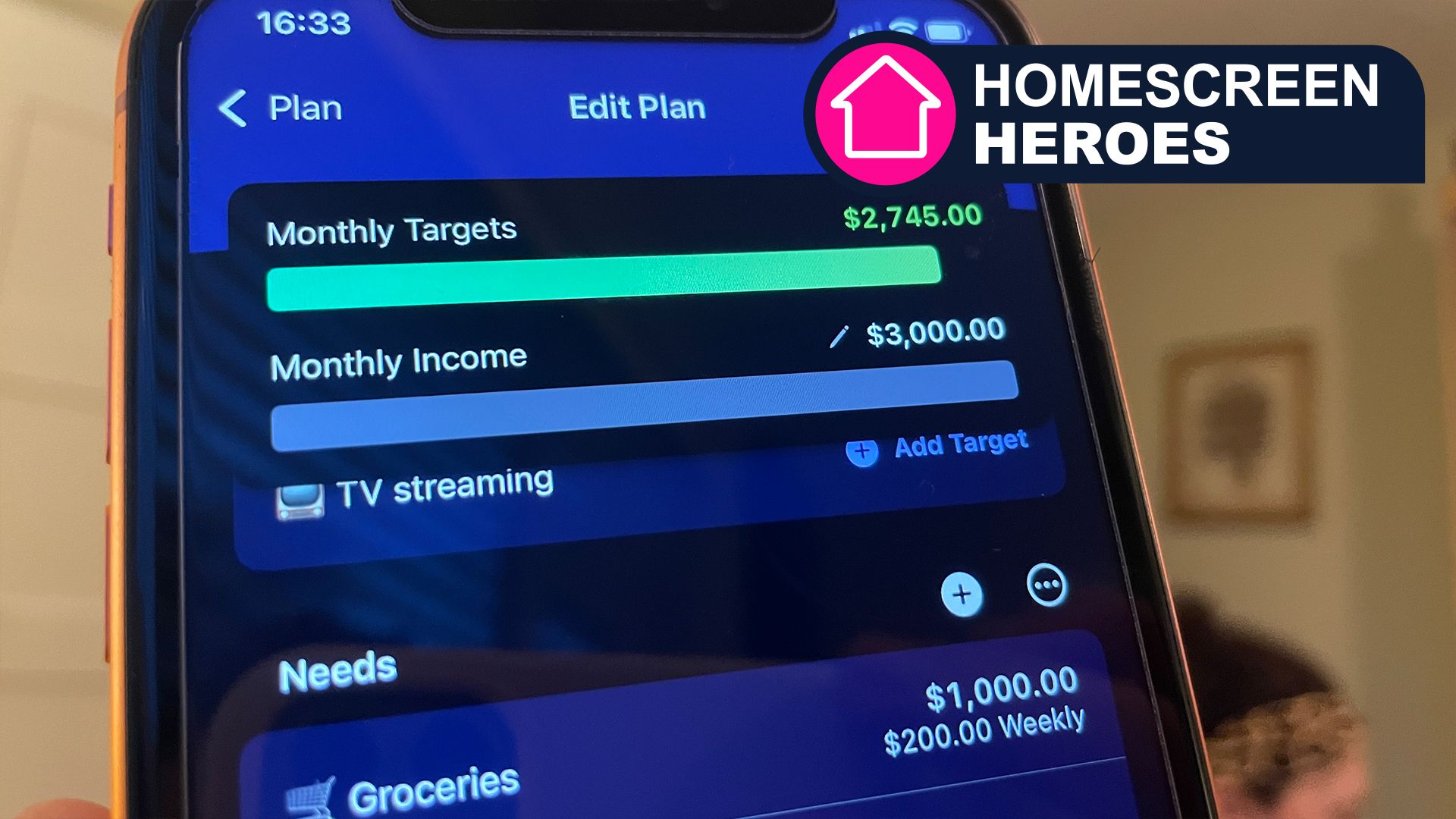
I’ve been using the app for the past couple of weeks, taking time to enter my bills, needs, and wants across multiple different categories, including mortgage, utilities, groceries, car maintenance, and more. As with any app that’s worth its weight in gold, getting everything set up with YNAB takes a bit of time, but it quickly starts paying off once everything is in order.

Give every dollar a job
YNAB’s “Give every dollar a job” process works by treating your bank balance like a collection of pots. Instead of budgeting money you expect to earn, you only assign the money you have on hand right now to specific categories. This process starts with a pot of money called “Ready to Assign,” which you must distribute until that balance hits zero, ensuring every cent has a set purpose.
Once this process is complete, the app does the hard work of tracking your spending against these specific categories rather than your overall bank balance. So, if you spend money at the supermarket, YNAB will subtract that from your groceries pot. This provides a real-time view of what is actually available for different needs. It’s a shift in focus that prevents you from accidentally spending your rent money on dinner, as each dollar is locked into its role until you proactively decide to change it.

The manual versus automatic experience
There are two distinct approaches with YNAB. The first is an unlinked experience that requires users to set up all their recurring transactions for fixed bills (like rent or Netflix). YNAB will automatically enter these on the dates you choose, so you only have to manually log your “daily” spending, like groceries or coffee.
The thought of connecting your bank account through the third-party Plaid platform might be a step too far, so the manual approach is a perfect fit for those wanting the maximum level of privacy. Additionally, by having to manually enter each transaction, you are forced to acknowledge every cent you spend in real-time, which leads to better financial awareness.
If that all sounds like too much hard work, then you’ll need to link your bank account so that YNAB can automatically extract your incoming and outgoing transactions. This is by far the simplest and most straightforward experience, but it’s not for everyone.

Transforming your relationship with money
Once you have everything up and running and have begun engaging with the YNAB process, you’ll find that your relationship with money begins to change. It isn’t instant, but it is clear. Rather than viewing money as an out-of-control stress, you’ll begin to feel more in control. I experienced this as I began to dictate where my money would be spent, and that I would only choose to spend money if I had the available funds.
To help with this process of change, YNAB features a “Spending” tab and a “Reflect” tab. The former helps you view, categorize, and search your transactions in one comprehensive list, while the latter tracks your data with a spending breakdown, net worth chart, and your age of money. By engaging with these, YNAB lets you take control of your money.
If that sounds tempting, YNAB offers unlimited access to all its features in a one-month trial. This isn’t long enough to see the full rewards of your labor, but it is plenty of time to get a feel for whether the app and its philosophy are going to work for you.
So, if you want to say goodbye to money worries, download YNAB on iOS or Android and give the free trial a whirl.
Follow TechRadar on Google News and add us as a preferred source to get our expert news, reviews, and opinion in your feeds. Make sure to click the Follow button!
And of course you can also Follow TechRadar on TikTok for news, reviews, unboxings in video form, and get regular updates from us on WhatsApp too.
