


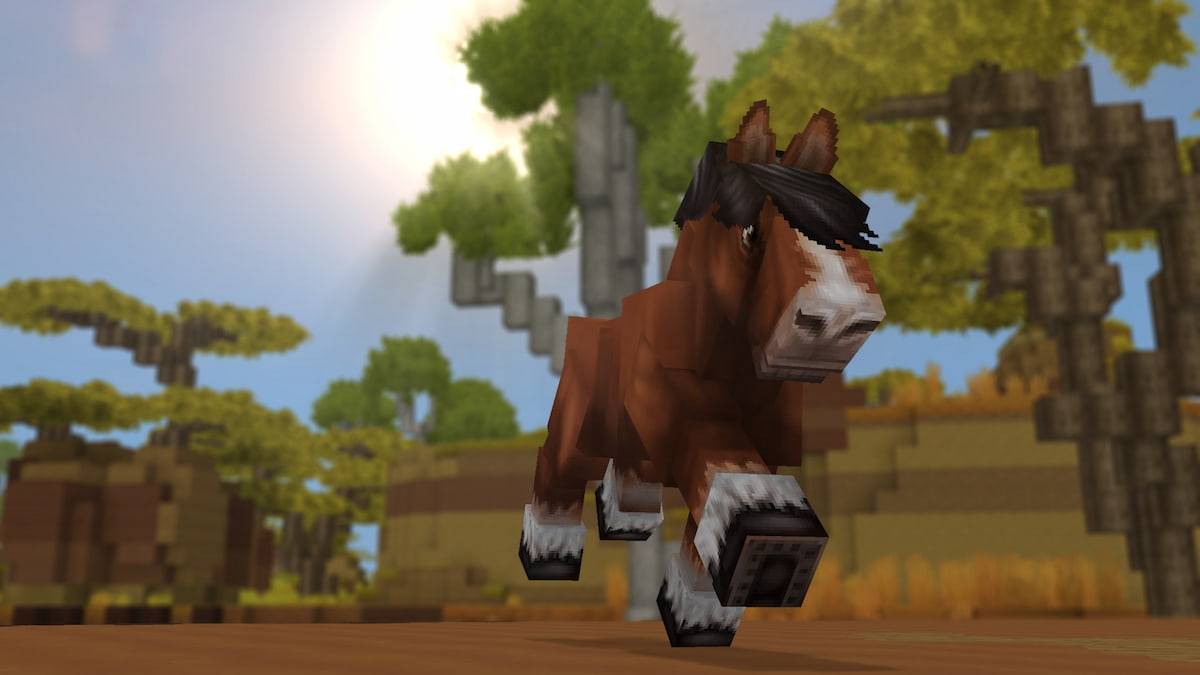

Image via Hypixel Studios

|
Hytale allows plenty of customization options for players to enjoy when it comes to character creation, and you can change the colour of your skin quite easily.
While the game will get plenty more features in days and months to come, there’s already a healthy amount of choices. However, let’s look at how you can select the skin color of your liking while making your Avatar.
How to change your skin color in Hytale
Once you’ve downloaded Hytaleyou’ll be able to change the skin color (and tweak other personal settings as you see fit).
- Select Avatar from the main menu.
- Choose the second option on the left of your screen.
- The second option includes the General set of personalizations.
- Under General, pick the second option, which is Body Characteristics.
- At the bottom (refer to the image below), you’ll find different colors to pick from.
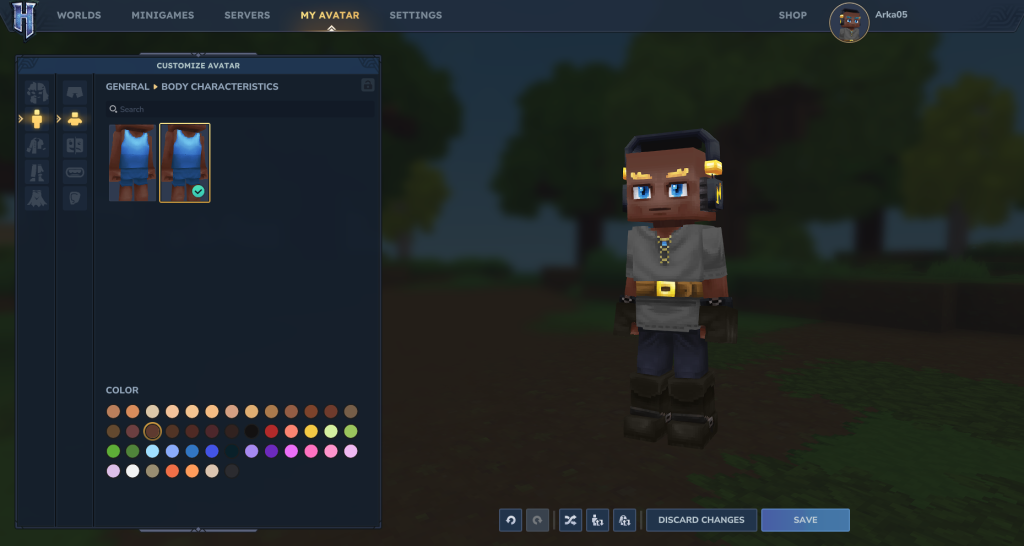
Once you have selected what you like, return to save your changes. You can change your skin color as many times as you want by repeating the steps above. So far, I have only managed to change the color from the main menu.
Can you add skin color to Hytale
Hytale‘s existing roster of body colors appears to be quite expansive. Not only have all possible human skin tones been included, but there are some really funky ones as well. I am pretty sure that mods have already started to pop up. Some of them could feature visual additions, like adding more skin color. However, there doesn’t appear to be a way of adding color in the vanilla version (at least, I have yet to discover any method if that exists).

Published: Jan 13, 2026 01:27 pm