

Close Menu
  • Tech Insights
  • Laptops
  • Mobiles
  • Gaming
  • Apps
  • Money
  • Latest in Tech
Facebook X (Twitter) Instagram
TechzLab – Tech News, Gadgets, Mobile, IT Updates & ReviewsTechzLab – Tech News, Gadgets, Mobile, IT Updates & Reviews
  • Tech Insights
  • Laptops
  • Mobiles
  • Gaming
  • Apps
  • Money
  • Latest in Tech
TechzLab – Tech News, Gadgets, Mobile, IT Updates & ReviewsTechzLab – Tech News, Gadgets, Mobile, IT Updates & Reviews
Home » Windows 11 is such a memory hog that I’ve had to resort to RAM optimizers — but can Microsoft turn things around with project K2?
Apps

Windows 11 is such a memory hog that I’ve had to resort to RAM optimizers — but can Microsoft turn things around with project K2?

By May 4, 2026No Comments3 Mins Read
Facebook Twitter Pinterest LinkedIn Tumblr Email
Share
Facebook Twitter LinkedIn Pinterest Email

Microsoft has a tough task ahead to optimize Windows 11, with the reported project ‘K2′ described as an effort to effectively eliminate the issues of bloatware, excessive AI usage, and provide better gaming performance, and it wants to match the latter with Valve’s SteamOS to win users’ trust back.

I think that’s a move from Microsoft that all of its users can get behind, because Windows 11 certainly needs it. I’ve had my fair share of complaints about the operating system for a long while, mostly with the frustrating and persistent bugs with each update.

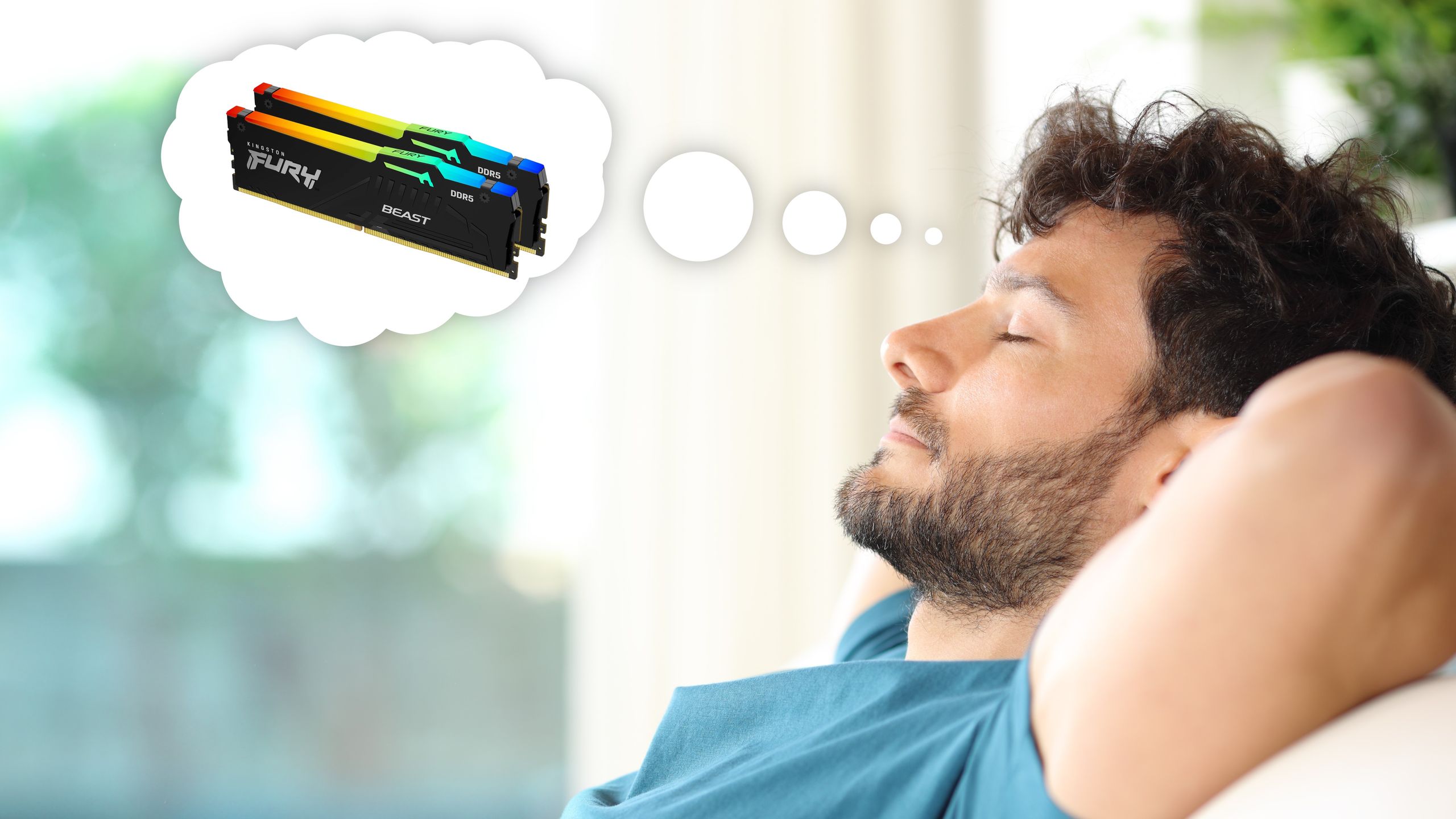
However, since there’s an ongoing memory crisis, leaving consumers with very few affordable options on RAM kits, I’ve discovered that Windows 11 and other factors around applications are only making life worse for its users. It’s no wonder that Microsoft is now prioritizing optimization for the OS.

Article continues below

You may like

In the meantime, I’ve found another way to manage memory woes.

Windows 11 and apps are using more RAM than necessary

(Image credit: Shutterstock/Ham patipak)

Using the Windows RAM & Performance Optimizer on GitHub by Priyom Saha, I’ve been able to decrease the amount of memory consumption at the click of a button.

Similar to many other RAM optimizers you can find available on GitHub, this works via a script, which eliminates unnecessary background applications and Windows 11’s persistent bloatware, designed to run in an endless loop every 10 seconds. It’s also actively monitoring and trimming RAM usage ‘in real-time’, which helps recover memory that could be used for more intensive tasks.

While using this tool, I’ve discovered that Windows 11 and its applications (including non-Microsoft apps) are using more RAM than necessary, and this was evident in drops of up to 6GB in usage. I’ve tested scenarios where Microsoft Edge (or even Chrome) is running in the background with only a few tabs open, and I would see RAM usage fall from 17GB to 11GB in a matter of minutes.

Sign up for breaking news, reviews, opinion, top tech deals, and more.

Image 1 of 2

Screenshot of RAM optimizer in use
With Microsoft Edge and less intensive apps running…(Image credit: Priyom Saha)

Screenshot of RAM optimizer in use
With Microsoft Edge and less intensive apps running…(Image credit: Priyom Saha)

The drops aren’t as significant on idle; however, I still noticed that when running the script, at least 1GB or 2GB of memory is recovered. While that isn’t a huge amount for systems with 16GB or more, it’s a bigger issue for low-end PCs or handhelds.

I must state that the problem isn’t solely on Windows 11 here, as it’s quite clear that other applications are in use, but browsers like Edge or Chrome, and entertainment applications like Spotify shouldn’t be pulling so much memory, especially when committing to basic background tasks (at least in comparison to gaming or editing).

The combination of both Windows and non-Windows applications (e.g., Chrome), alongside the operating system’s bloatware and usual background activity, is seemingly creating an excessive amount of RAM usage. It’s exactly why it’s pleasing to hear Microsoft address this with project K2 for Windows, and I’m hoping that we can start to see major improvements in the near future.

While we wait, though, there’s always Saha’s RAM optimizer.


Google logo on a black background next to text reading 'Click to follow TechRadar'

Follow TechRadar on Google News and add us as a preferred source to get our expert news, reviews, and opinion in your feeds.

Share. Facebook Twitter Pinterest LinkedIn Tumblr Email

Related Posts

Best Free Internet Speed Test Apps for Wi-Fi in 2026

October 18, 2026

6 Best UCaaS Providers in 2026

September 3, 2026

5 Best Wave Accounting Alternatives for 2026

August 28, 2026
Leave A Reply Cancel Reply

Comment moderation is enabled. Your comment may take some time to appear.

This site uses Akismet to reduce spam. Learn how your comment data is processed.

Latest
  • Apple MacBook Pro with PROLED XDR Display 16-inch (2026, M5 Max) review: was the touchscreen worth the wait? November 5, 2026
  • The Biggest New Game Releases Of November 2026 November 1, 2026
  • Apple’s 512GB Mac Studio Now Costs $22,299: Here’s What You Get November 1, 2026
  • Planet Zoo 2 review: an even more diverse, creative zoo-builder October 28, 2026
  • I’ve tested the Asus ProArt P16 RTX Spark for two weeks and its powerful Nvidia chip has blown me away with its awesome AI, gaming and creative performance — but its high price still makes it a tough sell October 28, 2026
We are social
  • Facebook
  • Twitter
  • Pinterest
  • Instagram
  • YouTube
  • Vimeo

Subscribe to Updates

Get the latest creative news from Techzlab.

Tags
AI Amazon Anthropic Apple artificial intelligence ChatGPT cybersecurity data centers defense tech Donald Trump electric vehicles Elon Musk evergreens EVs Exclusive Fintech gemini Google Grok In Brief India jack dorsey Layoffs Meta Microsoft Mythos nvidia nvidia gtc Nvidia GTC 2026 Openai Perplexity Polymarket Redwood Materials sam altman Sequoia Capital siri social media Softbank SpaceX Spotify Tesla Truecaller Uber Windows X
Archives
Quick Link
  • Apps (407)
  • From the Editor (4)
  • Gaming (387)
  • Laptops (409)
  • Latest in Tech (405)
  • Mobiles (409)
  • Money (229)
  • Tech Insights (411)
Don't miss

Apple’s 512GB Mac Studio Now Costs $22,299: Here’s What You Get

November 1, 2026

EA Sports FC 27 review: come for The Grounds, stay for Career

October 18, 2026

Price, Models, Gemini Features, and Everything to Know

September 27, 2026
Follow us
  • Facebook
  • Twitter
  • Pinterest
  • Instagram
  • YouTube
  • Vimeo
© 2026 Techzlab.com Designed and Developed by WebExpert.
  • Home
  • From the Editor
  • Money
  • Privacy Policy
  • Contact

Type above and press Enter to search. Press Esc to cancel.